How to register OpenCloud account
-
Go to login page: https://passport.8338.hk/tc/opencloud/login
-
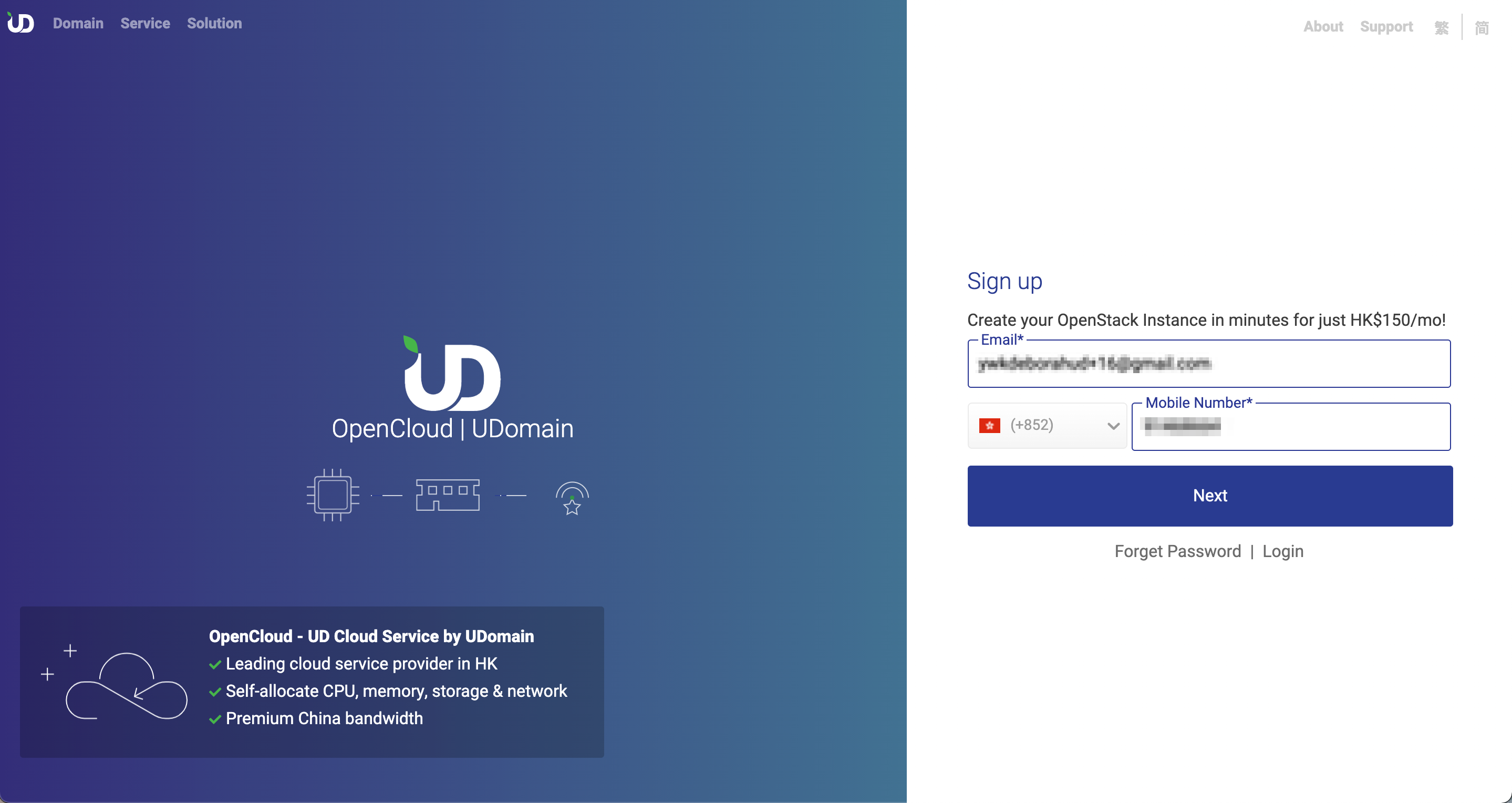
Click [Register] a) Enter your email address, this email will be used as the activation account. b) Select the country code & enter your mobile number, this mobile number will be used to receive SMS with verification code. c) Click [Next]
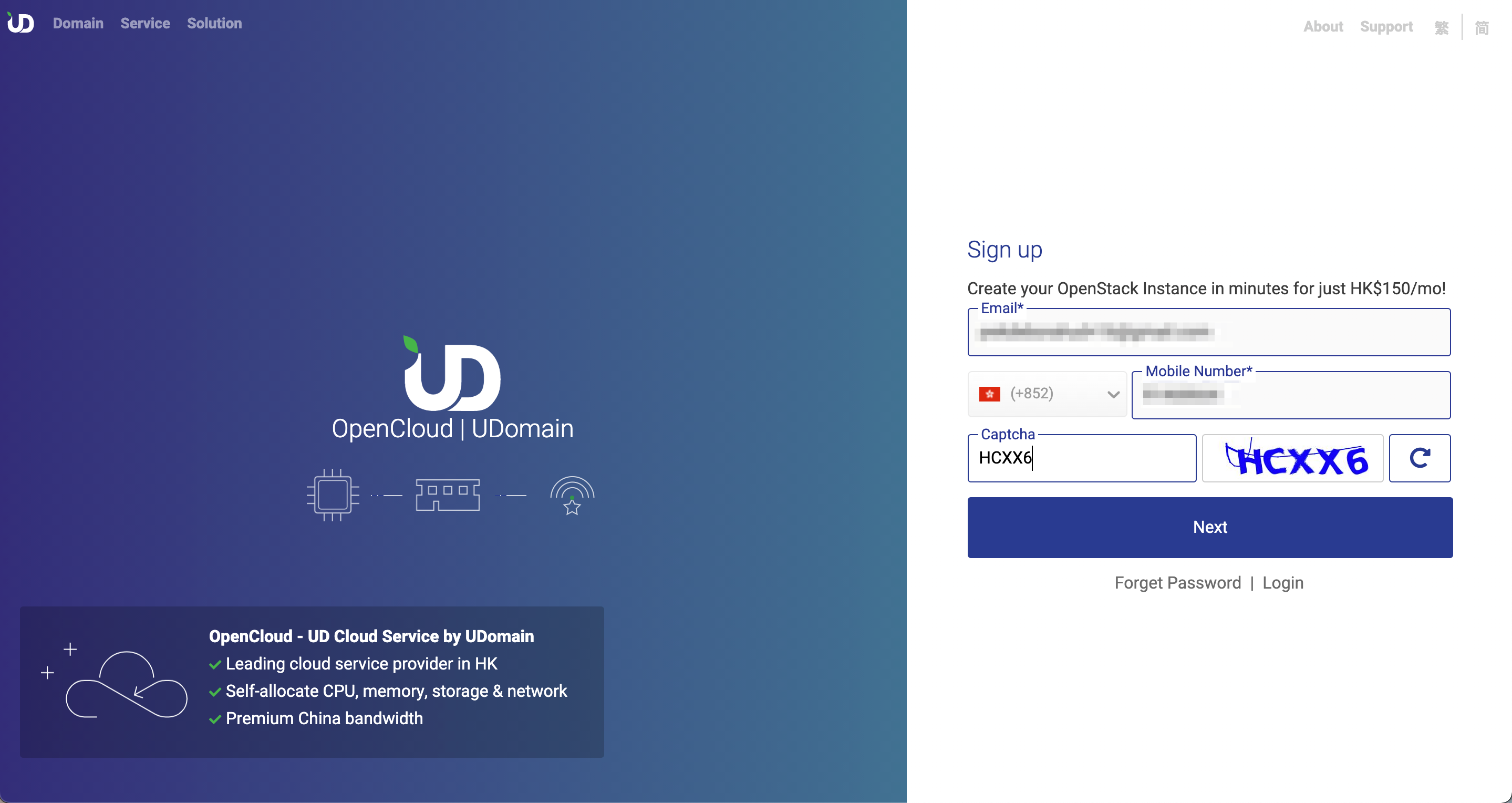
a) Enter the verification code at right
b) If the verification code cannot be identified, please click [Refresh] for generate the new verification code.
c) Click [Next]
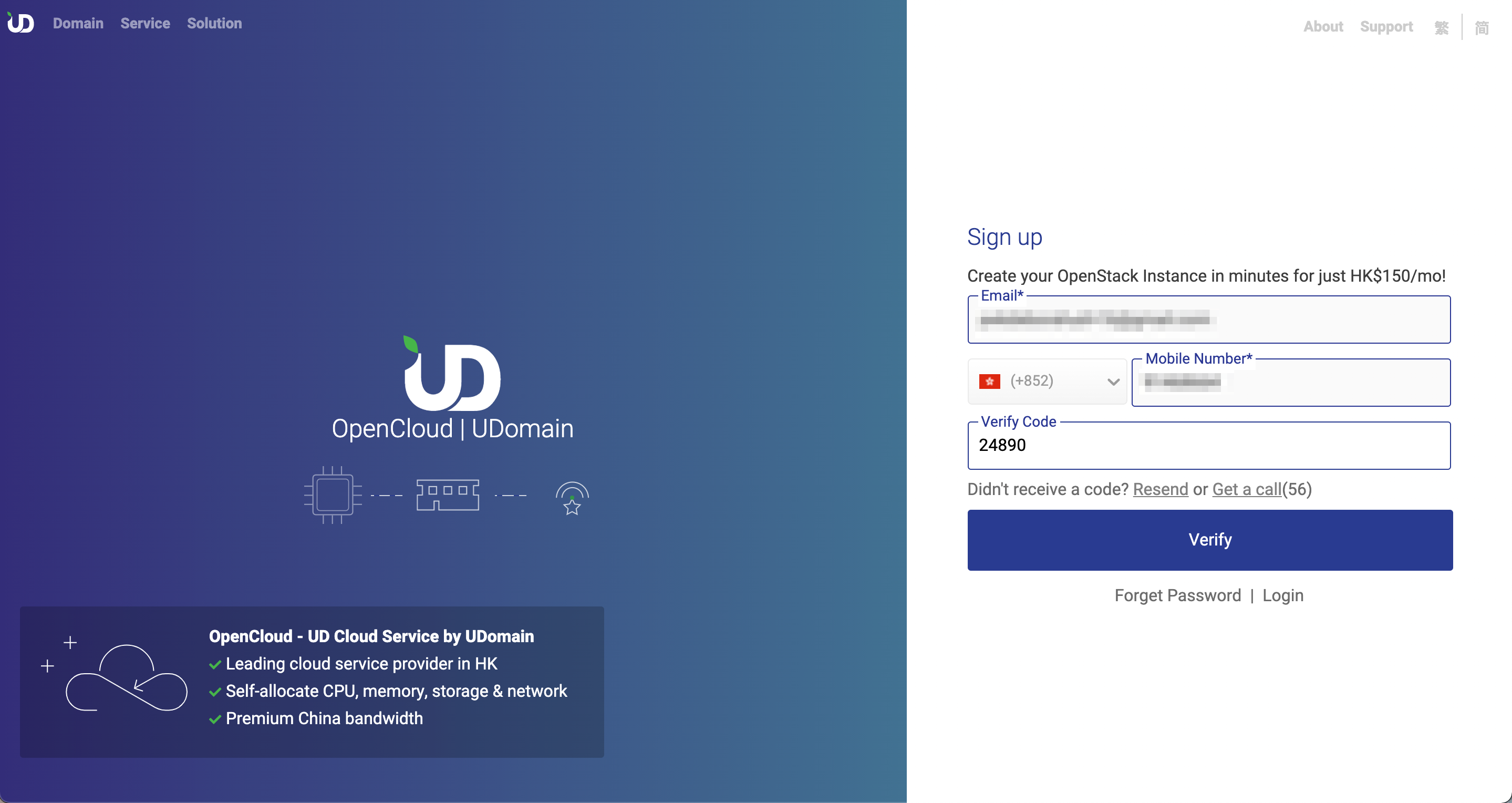
a) Enter the verification code of SMS
b) If you didn't receive the SMS after 70 seconds, please click [Resend]
c) Click [Verify]
 5)
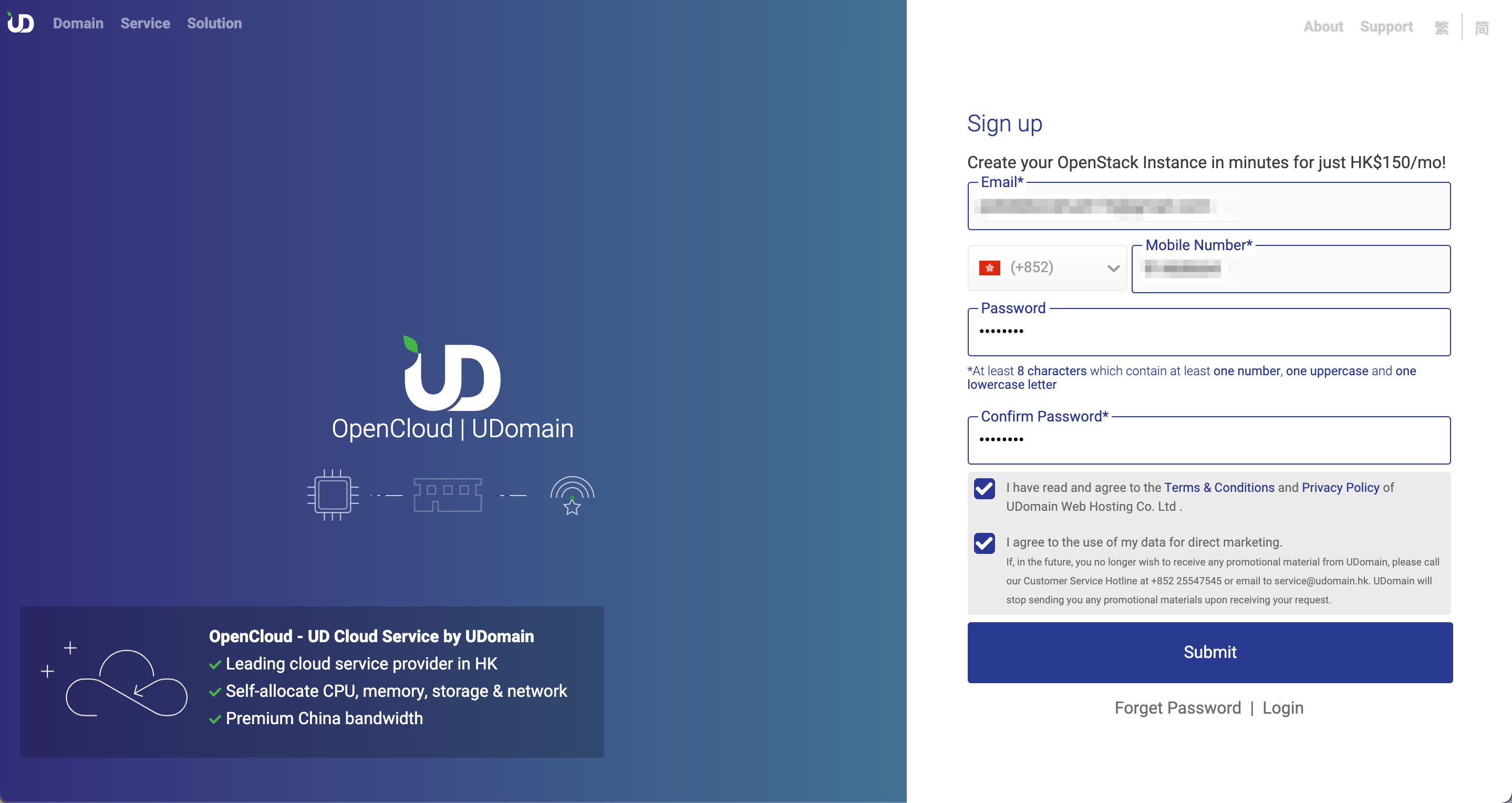
a) Please entry the password
b) Re-entry the password for confirmation
c) Click the link of [Terms & Condition] & [Privacy Policy], then tick the checkbox
d) If you want to receive the promotion message of UDomain, please tick the checkbox
e) Click [Submit]
5)
a) Please entry the password
b) Re-entry the password for confirmation
c) Click the link of [Terms & Condition] & [Privacy Policy], then tick the checkbox
d) If you want to receive the promotion message of UDomain, please tick the checkbox
e) Click [Submit]
-
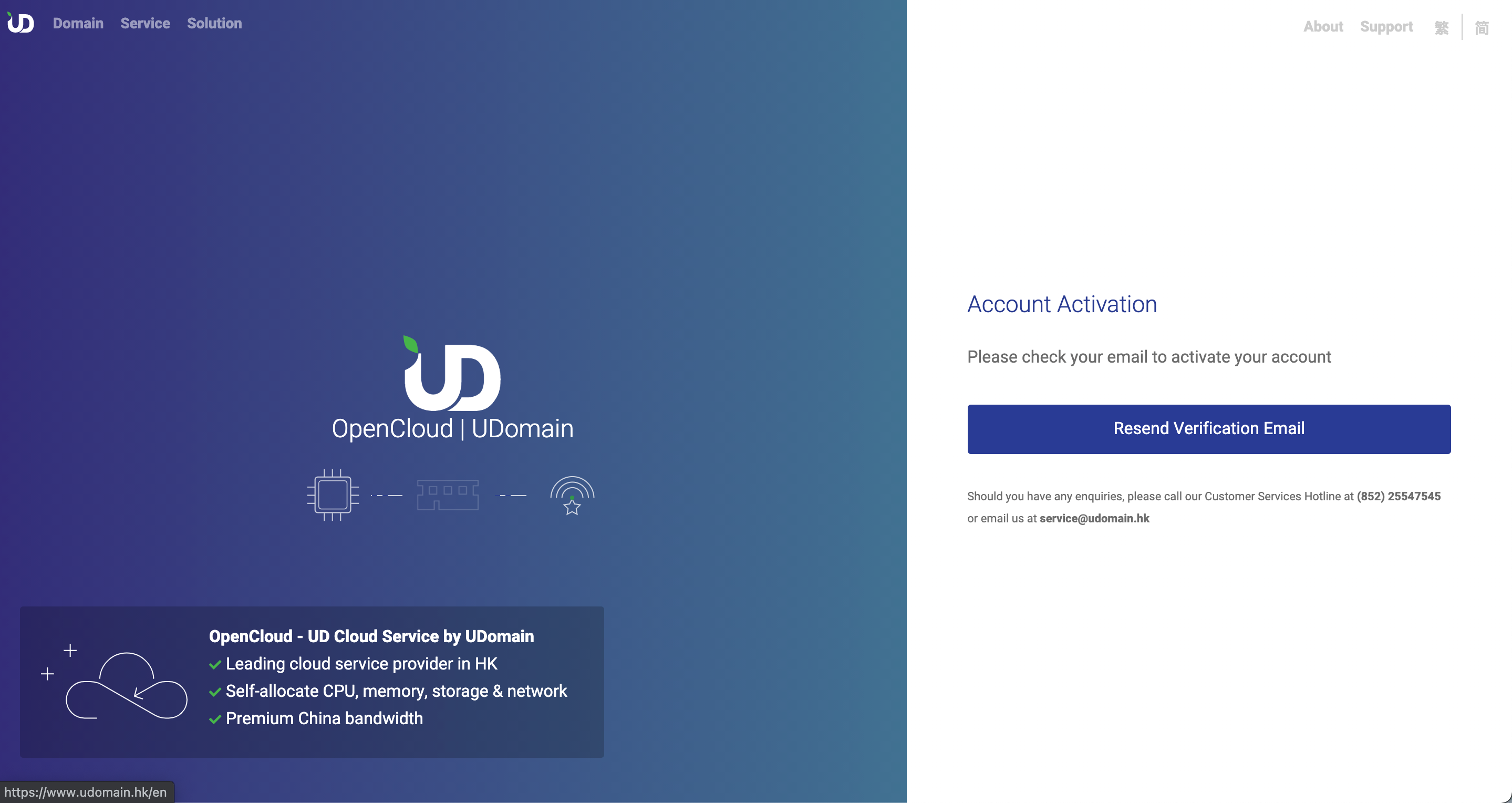
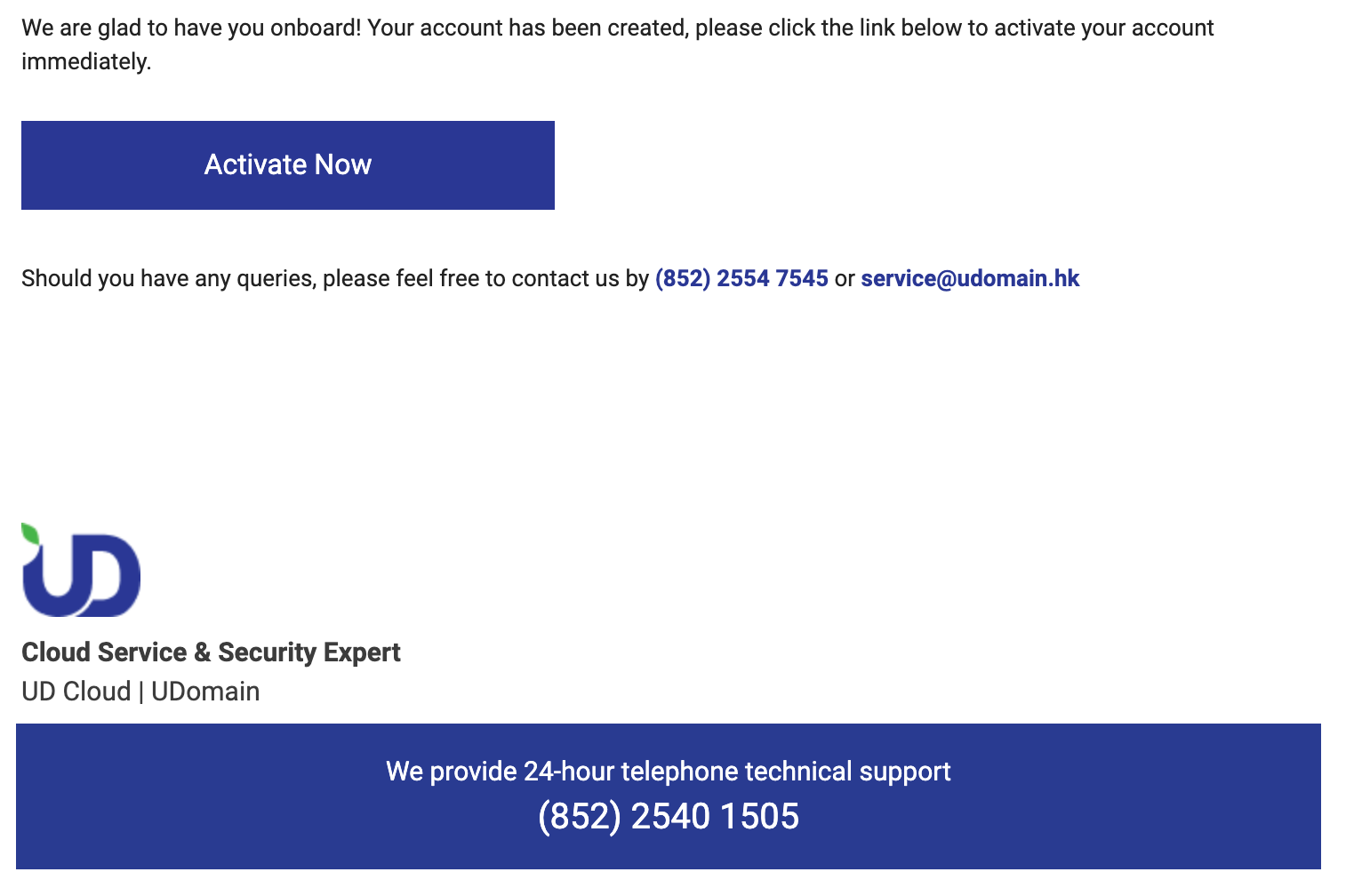
Check the activation email in your mailbox, including the junk & trash mail box, click the [Active now]
-
If you don't receive the email, please click the [Resend]